
Europemigrationguide.com is reader-supported. When you buy through links on our site, we may earn an affiliate commission.
How to set up remote work tools is not about downloading apps—it is about building a structured system that controls how your work flows every single day. Most beginners struggle because they collect tools without understanding how they connect, which leads to confusion, missed tasks, and inconsistent productivity over time.
Quick Answer: To set up remote work tools effectively, use Slack for communication, Trello or Asana for task management, Notion for documentation, Zoom for meetings, and Google Drive for storage—then connect them into one simple, repeatable workflow system that you follow daily.
If you want to set up your remote work tools in a way that actually improves productivity and keeps your workflow organised, this guide shows you exactly how to do it step by step.
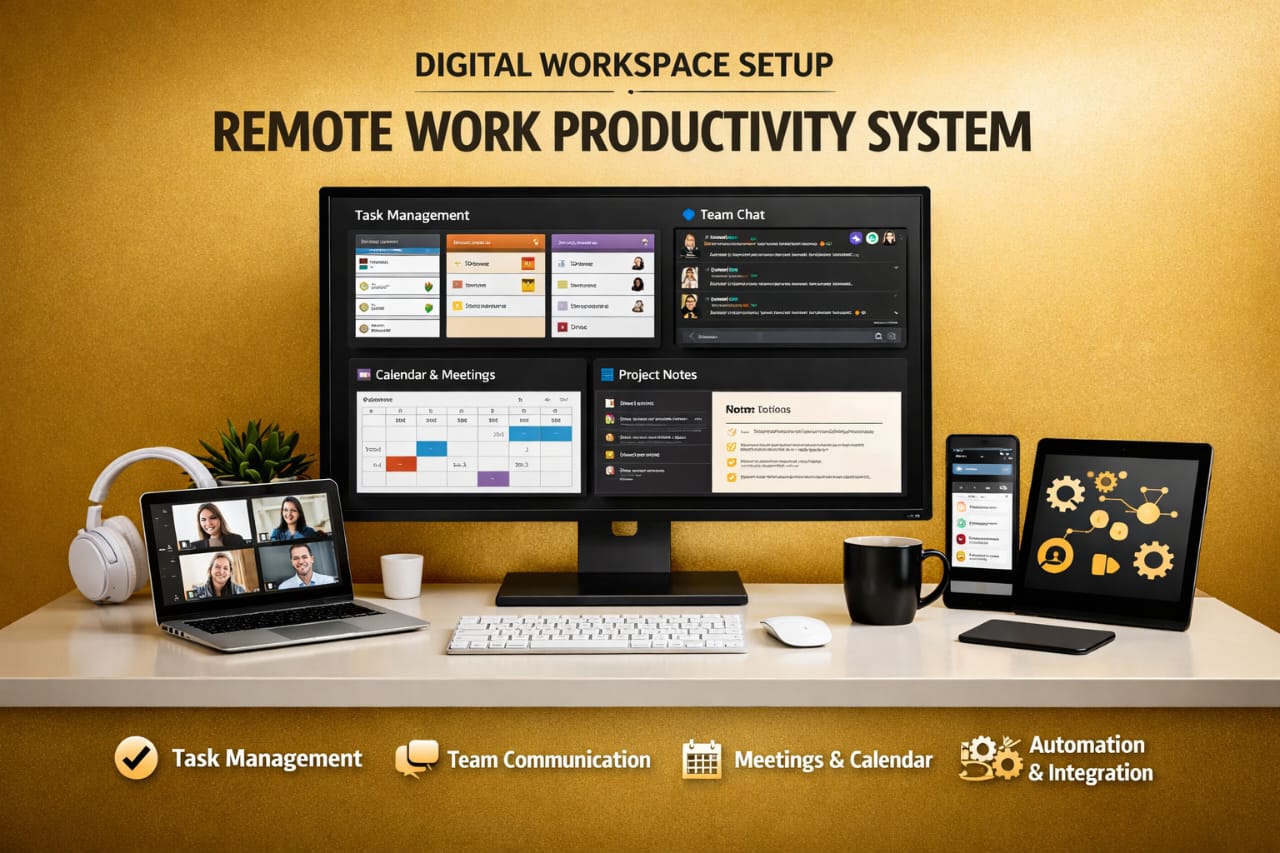
The real shift happens when you stop thinking about tools individually and start thinking in systems. Productivity does not come from having more apps—it comes from knowing exactly where everything happens, how tasks move from one stage to another, and how communication supports execution without slowing you down.
This is where most beginners get stuck. They download Slack, Trello, Notion, and Zoom—but everything still feels scattered and unstructured. The issue is not the tools themselves. The issue is the lack of a system that connects them into a clear workflow that you can follow without thinking too much.
If you want to understand how these tools actually connect into one working system, this guide explains the foundation clearly: remote work tools and productivity systems. And if you are still at the beginner level trying to choose the right tools before building a system, this breakdown will help you start correctly: best remote work tools for beginners.
Once you combine the right tools with a clear workflow, remote work becomes predictable instead of overwhelming. You stop reacting to tasks randomly and start following a system that guides your work from start to finish.
The Real Goal: Build a Remote Work System, Not Just a Tool Stack
The biggest misunderstanding about remote work tools is thinking they automatically improve productivity. They don’t. What they actually do is support a system—and if that system is unclear or poorly structured, your workflow will still feel chaotic no matter how many tools you install.
A proper remote setup answers three simple but important questions: where communication happens, where tasks are tracked, and where information is stored. If these three areas are not clearly defined, your workflow will always feel scattered and difficult to manage.
From experience, the moment everything has a defined place, work becomes easier. You stop switching between tools randomly and start following a clear path where each action leads naturally to the next.
The Four Pillars of a High-Performance Remote Workflow
Every effective remote work system is built on four core pillars. These pillars are what allow work to move smoothly without constant confusion, delays, or repeated explanations.
Communication (Clarity Over Noise)
Communication tools like Slack replace office conversations, but without structure, they quickly become overwhelming and distracting. The goal is not constant messaging—it is clear, organised communication that supports your work instead of interrupting it throughout the day.
This means creating specific channels for projects, updates, and announcements while avoiding unnecessary conversations. When communication is structured properly, it reduces interruptions and allows you to focus on execution instead of constantly reacting to messages.
Task Management (Where Work Becomes Visible)
Task management is where productivity actually happens. If your tasks are not clearly organised, your work will always feel scattered, even if you are putting in effort. Tools like Trello provide a visual system that allows you to track work across different stages without confusion.
A simple structure such as Inbox, To Do, In Progress, and Done makes it easy to see what needs attention. Instead of asking what to do next, your system already shows you the next step, which removes hesitation and improves consistency.
As your workload increases, tools like Asana allow deeper control through timelines, dependencies, and structured workflows that help manage more complex projects efficiently.
Documentation (Your Long-Term Advantage)
Documentation is one of the most overlooked parts of remote work systems, yet it is one of the most powerful. Without it, teams repeat the same explanations, lose important information, and waste time trying to remember details that should already be stored.
Tools like Notion allow you to create a central knowledge base where processes, instructions, and project details are stored in one place. Over time, this becomes your reference point, making your workflow faster and more reliable.
A simple principle applies here: if something is not documented, it becomes harder to scale your work.
Execution (Where Everything Connects)
Execution is your daily workflow—the system you follow every day to turn plans into results. Without a clear execution process, your tools remain disconnected, and your productivity becomes inconsistent.
A structured workflow connects everything together. You check communication, review tasks, focus on execution, and document progress. This creates a repeatable system that removes decision fatigue and improves how efficiently you work.
Step-by-Step: How to Set Up Your Remote Work Tools Properly
Step 1: Set Up Structured Communication
Start with Slack and organise it properly from the beginning. Create channels such as general discussions, project updates, and support requests so information is easy to find and follow.
This structure prevents communication from becoming overwhelming as your workload grows and keeps conversations focused and relevant.
Step 2: Build a Clear Task Workflow
Create a Trello or Asana board with defined stages that reflect how your work actually moves. Every task should include a clear objective, a deadline, and an expected outcome so there is no confusion about what needs to be done.
This clarity improves accountability and ensures that work progresses smoothly without constant clarification.
Step 3: Create a Central Knowledge System
Use Notion to organise your documentation into structured pages that are easy to access and update. Over time, this becomes your most valuable productivity asset because it stores everything you need in one place.
You stop relying on memory and start relying on systems, which makes your workflow more efficient and less stressful.
Step 4: Connect Your Tools (Automation Layer)
Once your tools are set up, the next step is connecting them so they work together instead of operating separately. This reduces manual work and improves how information flows across your system.
For example, task updates can trigger notifications, meetings can generate tasks, and reminders can keep your workflow on track without constant effort.
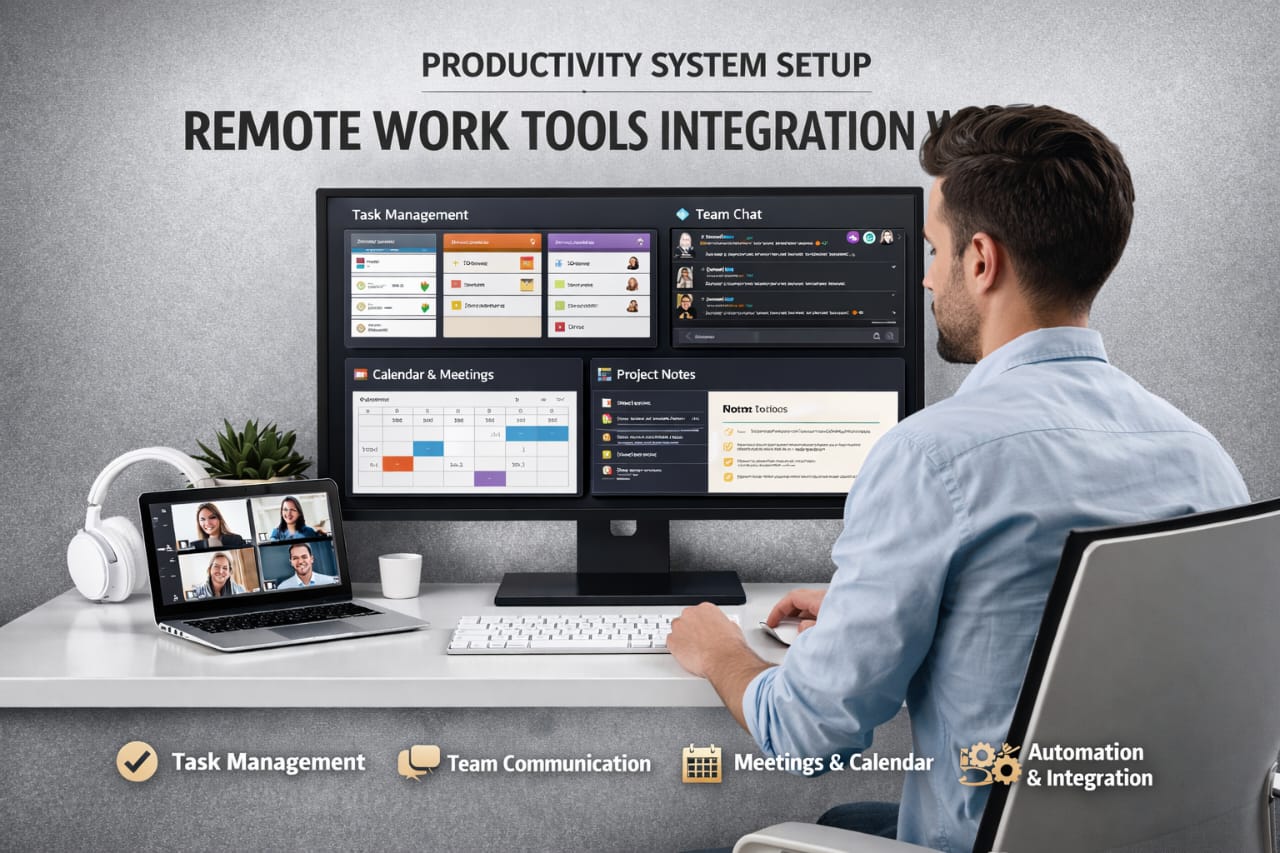
Step 5: Build a Daily Workflow System
Your tools only become effective when they are part of a daily routine. Without a consistent workflow, even the best setup will eventually break down.
A strong routine includes reviewing tasks, focusing on priority work, limiting distractions, and tracking progress. Over time, this creates a predictable system that improves both speed and consistency.
One Thing Most People Ignore: Reliable Internet Setup
Even with the best tools, your workflow can break instantly if your internet connection is unstable. This becomes even more important when working across locations or relying heavily on cloud-based tools.
That is why many remote professionals rely on flexible mobile data solutions for remote work to maintain consistent access to their tools and systems, especially when moving between different environments.
It may seem like a small detail, but it plays a major role in keeping your workflow uninterrupted.
Common Mistakes That Break Remote Work Systems
Many remote workers struggle not because they lack tools, but because their system is not structured properly. Small mistakes can create long-term inefficiencies if they are not addressed early.
Using too many tools creates confusion instead of clarity, while relying too much on meetings reduces time for actual work. Poor task definitions lead to delays, and lack of documentation slows down progress over time.
A simple, well-structured system will always perform better than a complex and unorganised one.
How to Turn Your Remote Work Setup Into a Scalable System
Understanding how to set up remote work tools is only the beginning. The real advantage appears when your system becomes scalable—when it can handle more work, more complexity, and collaboration without breaking down or becoming difficult to manage over time. This is what separates a basic setup from a system that actually supports long-term productivity.
At the early stage, a simple setup works because the workload is still small and manageable. But as tasks increase, small inefficiencies begin to appear. Communication becomes harder to follow, tasks overlap, and progress slows down even when you are working more. This is where most people realise that tools alone are not enough.
A scalable system removes that friction completely. It allows your workflow to grow without adding confusion, and instead of reacting to more work, your system absorbs it and keeps everything organised and predictable.
From Basic Setup to Advanced Workflow Control
The difference between a beginner setup and a more advanced workflow is not about using more tools—it is about having more control over how work flows. Beginners often manage everything manually, while structured systems reduce effort and allow work to move smoothly without constant attention.
This shift does not require adding new tools. It requires improving how your existing tools interact and support your workflow in a consistent and predictable way.
Automation and Integration
One of the biggest upgrades you can make is introducing simple automation into your workflow. Instead of manually updating tasks, sending reminders, or tracking progress, your tools can handle these actions in the background.
For example, completed tasks can automatically move to the next stage, updates can trigger notifications, and reminders can keep everything on track without extra effort. These small improvements reduce workload and make your system more efficient over time.
The goal is not to make your system complex. The goal is to remove repetitive actions that slow you down and replace them with smooth, automatic processes.
Standardising Your Workflow
Consistency is what turns a simple setup into a reliable system. If your workflow changes every day, productivity becomes unpredictable and harder to manage. You spend more time deciding what to do than actually doing the work.
Standardising your workflow means defining how tasks are created, how updates are shared, and how progress is tracked. Once these patterns are clear, your workflow becomes easier to follow and maintain without confusion.
Instead of constantly thinking about the next step, you rely on a system that already guides your actions.
How to Improve Productivity Without Adding More Tools
Many people assume that improving productivity means adding more tools, but in reality, this often creates more problems than it solves. Too many tools increase distractions, create confusion, and make your workflow harder to manage.
The better approach is optimisation. This means improving how you use the tools you already have instead of introducing new ones that add unnecessary complexity to your system.
For example, keeping communication in one place instead of spreading it across multiple platforms makes it easier to follow conversations. Managing all tasks in one system improves visibility and reduces the chances of missing important work.
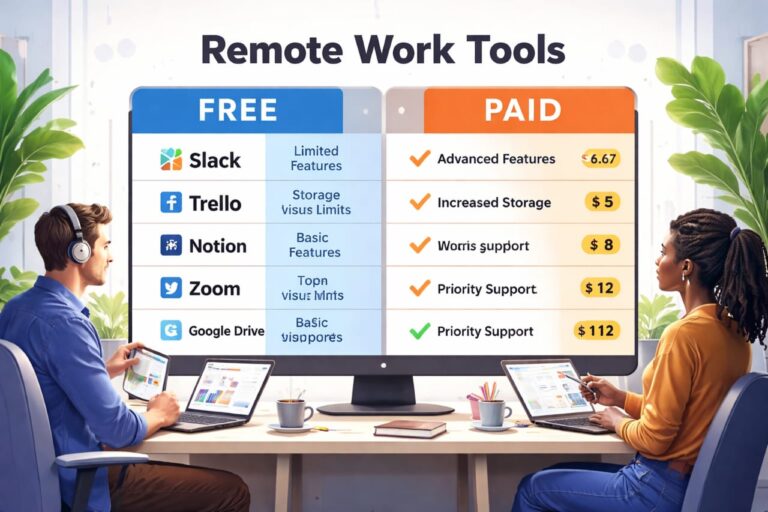
As your workflow improves, another important factor to consider is whether your current tools are limiting your productivity. Many beginners start with free tools, but over time, certain limitations begin to affect efficiency and workflow control.
If you want to understand when it makes sense to upgrade and what actually changes, this breakdown explains it clearly: free vs paid remote work tools.
When your workflow is simple and clearly structured, productivity becomes more stable and easier to maintain over time.
Building a Remote Work Routine That Supports Your System
Your tools and systems are only effective when they are supported by a consistent daily routine. Without structure, even a well-designed setup can break down because there is no clear pattern guiding how work is done.
A strong routine aligns your actions with your system and ensures that tasks move forward without delays, confusion, or unnecessary effort.
Morning Planning
Start your day by reviewing your tasks and priorities. This gives you direction immediately and prevents wasted time trying to decide what to do.
Focused Work Sessions
Work in uninterrupted blocks where you focus fully on high-priority tasks. This is where most meaningful progress happens.
Controlled Communication
Check messages at specific times instead of constantly reacting to notifications. This protects your focus and improves efficiency.
End-of-Day Review
Update your tasks and document your progress so your system stays accurate and ready for the next day. This simple habit improves consistency over time.
As this routine becomes natural, you stop relying on motivation and start relying on structure, which is far more reliable.
How Environment and Setup Affect Your Productivity
Your environment plays a major role in how effective your remote system is. Even with the right tools, a poor setup can reduce focus, slow down your work, and make your workflow harder to maintain.
A clean workspace, stable internet connection, and minimal distractions all contribute to better performance. These small factors build up over time and directly affect your productivity.
For professionals working across different locations, maintaining stability becomes even more important. Using reliable travel protection for remote professionals helps maintain consistency when working in changing environments.
Maintaining balance is equally important. Exploring your surroundings and taking breaks can improve focus and prevent burnout. Platforms like activity and experience platforms for remote workers make it easier to balance work and lifestyle without disrupting productivity.
Common Mistakes That Prevent System Growth
As your workflow grows, small mistakes can slow you down if they are not corrected early. These problems are often ignored at first, but they become more noticeable as your workload increases.
Using too many tools creates unnecessary complexity, while inconsistent workflows lead to unpredictable results. Ignoring small inefficiencies allows them to grow into larger problems that are harder to fix later.
The best approach is to keep your system simple and improve it gradually. Small, consistent improvements will always produce better results than trying to fix everything at once.
Frequently Asked Questions
What is the best way to set up remote work tools?
The best approach is to create a structured system where communication, tasks, and documentation are clearly organised and connected into one workflow.
Do I need many tools to work remotely?
No. A few well-organised tools are more effective than using many tools without a clear system.
How do I improve my remote workflow?
Focus on simplifying your system, reducing distractions, and following a consistent daily routine.
When should I improve my system?
You should improve your system when your current workflow starts slowing you down or becoming difficult to manage.
Can beginners build a strong remote system?
Yes. Starting simple and improving gradually is the most effective way to build a reliable and scalable workflow.
Conclusion
How to set up remote work tools is not just about choosing apps—it is about building a system that supports your work consistently over time. When your tools are structured and your workflow is clear, productivity becomes stable instead of unpredictable.
The real advantage comes from clarity and simplicity. When each tool has a defined role and your routine supports your system, work becomes easier to manage and more efficient as your workload grows.
Once that structure is in place, your setup evolves from a collection of tools into a reliable system that supports long-term productivity and growth.