
Europemigrationguide.com is reader-supported. When you buy through links on our site, we may earn an affiliate commission.
Remote work tools and productivity systems are the backbone of how modern remote teams operate efficiently without constant supervision. Instead of relying on physical presence, companies now depend on structured digital systems that organise communication, track tasks, and maintain productivity across different time zones.
Quick Answer: Remote work tools and productivity systems combine communication platforms, task management tools, and workflow processes to help individuals and teams stay organised, collaborate effectively, and maintain consistent output without needing to be physically present.
If you want to understand how to organise your tools into a system that actually improves productivity in remote work, this guide breaks down what works and how to use it effectively.
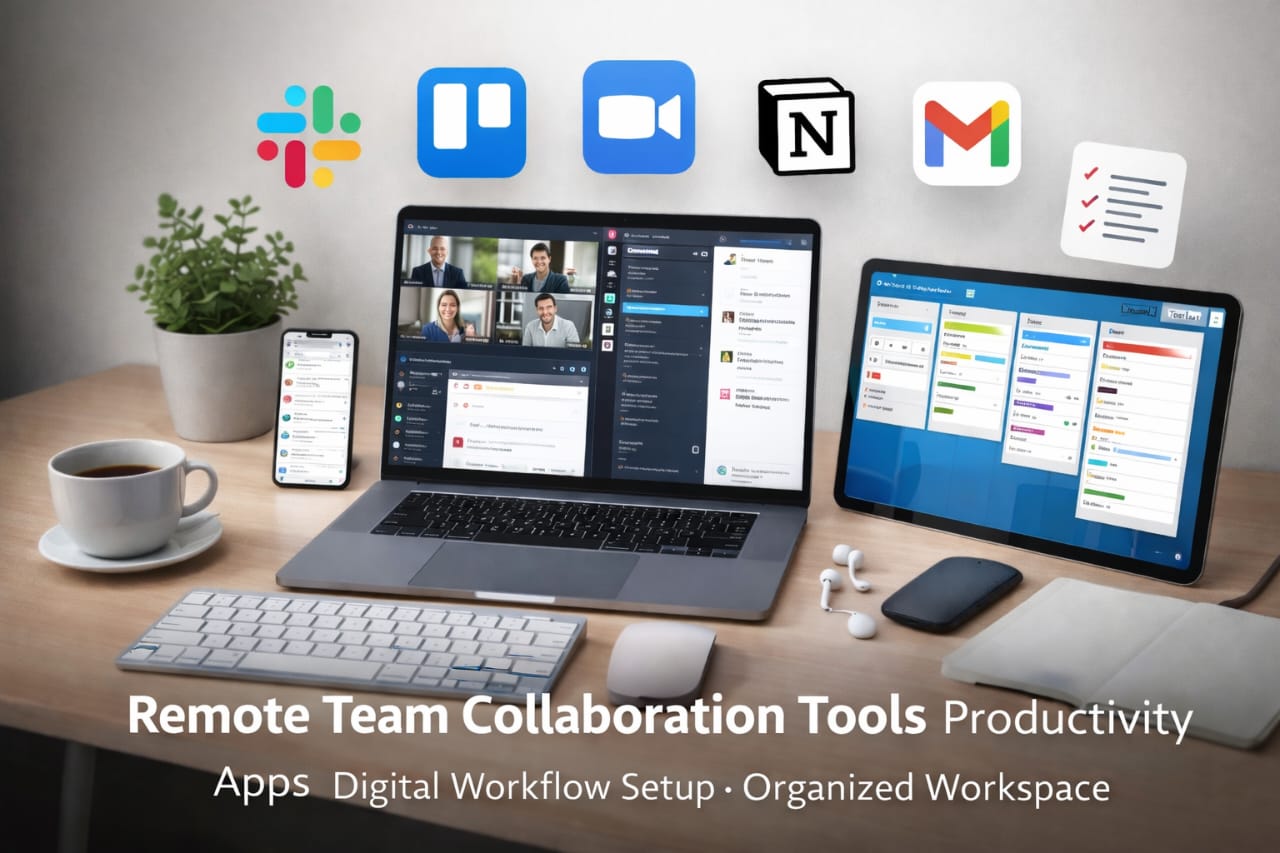
What makes remote work effective today is not just access to tools, but how those tools are structured into a system. Productivity is not about working longer hours—it is about removing friction from your workflow. When communication is clear, tasks are visible, and execution is structured, work moves naturally without delays.
From what I’ve seen, most beginners struggle not because they lack tools, but because they don’t understand how to connect them into a working system. Once that structure becomes clear, everything changes—work becomes easier to manage, progress becomes visible, and results become more consistent over time.
If you’re building a long-term remote career, this also connects directly to the skills behind these systems. This guide explains the foundation clearly: high income tech skills for remote jobs.
How Remote Work Tools and Productivity Systems Actually Work
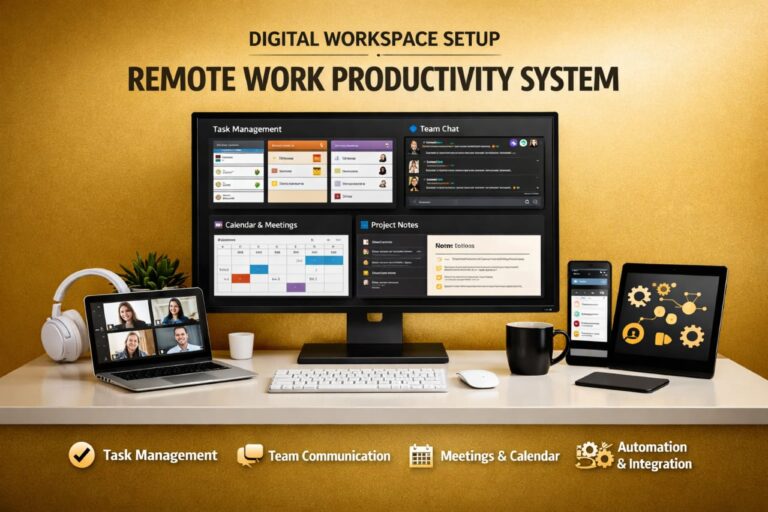
Every efficient remote setup follows a structured pattern. Whether you’re working independently or within a team, the system always revolves around communication, task management, documentation, and execution. Each part solves a different problem, but when combined, they create a workflow that runs smoothly without confusion or unnecessary delays.
The goal is not to use more tools, but to assign each tool a clear role so everything works together without overlap. When tools overlap, confusion increases. When roles are clear, productivity improves.
Communication Systems (Keeping Work Moving)
Communication tools like Slack and Zoom replace traditional office interaction. Instead of relying on constant meetings, remote teams now prioritise structured messaging that keeps conversations organised while reducing interruptions.
One major shift here is asynchronous communication. Team members no longer need to reply instantly—they respond when available, which improves concentration and allows work to continue across different time zones.
Task Management Systems (Eliminating Confusion)
Without a clear task system, remote work quickly becomes disorganised. Tools like Trello and Asana provide a visual structure where tasks are assigned, tracked, and updated in one place.
This removes the need for constant clarification and reduces dependency on managers. Instead of asking what to do next, you simply follow the system already in place.
Documentation Systems (Reducing Repetition)
Repeated explanations slow down remote teams more than most people realise. Without documentation, the same questions come up repeatedly, which wastes time and interrupts workflow.
Tools like Notion solve this by creating a central knowledge base where processes, instructions, and updates are stored, allowing team members to find answers independently.
Execution Systems (Turning Plans Into Results)
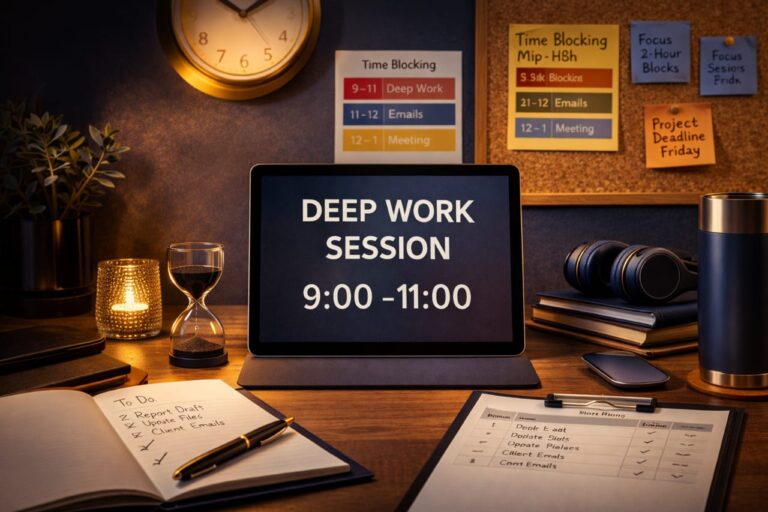
Having tools and tasks is not enough—execution is what produces results. Time-blocking and focused work sessions help ensure that tasks are completed instead of being delayed.
Consistency is what turns small progress into meaningful results over time. Many remote professionals also rely on reliable global connectivity for remote work systems to stay connected across tools without interruptions.
Building a Daily Remote Work Workflow That Works
The difference between random effort and consistent productivity is having a repeatable daily structure. This removes the need to constantly decide what to do next and creates a predictable workflow.
A well-designed workflow reduces stress, improves clarity, and ensures that work moves forward every day without confusion.
Start With Clear Priorities
Begin by reviewing your task board so you know exactly what needs to be done.
Check Communication Channels
Review updates, but avoid spending too much time responding unless necessary.
Focus on Deep Work
Work in uninterrupted sessions where you concentrate on high-priority tasks.
Collaborate When Necessary
Use meetings only when required, keeping most communication structured and asynchronous.
End With Updates
Update your tasks so your progress is clear and the next day starts smoothly.
This structure reduces decision fatigue and improves consistency over time.
Why Most Remote Workers Struggle With Productivity
Many people assume remote work is easier, but without structure, it becomes difficult to manage. The issue is rarely the tools—it is how they are used.
Switching between apps without a system creates confusion, while too many meetings reduce focus. Working without clear priorities leads to inconsistent results and wasted effort.
Once a structured system is in place, these problems disappear and productivity becomes stable.
The Real Advantage of Structured Productivity Systems
The biggest benefit of using remote work tools and productivity systems is scalability. You can handle more work, collaborate efficiently, and maintain quality without increasing stress.
Each part of your workflow becomes clear, removing unnecessary thinking and allowing you to focus fully on execution.
Over time, this structure improves both speed and consistency, which is what separates basic remote work from a system that delivers reliable results.
Essential Remote Work Tools and How to Use Them Effectively
Understanding remote work tools and productivity systems is one thing, but using them correctly within a structured workflow is what actually improves productivity.Many remote workers install multiple tools but never define how each one fits into their daily system, which is where most problems begin.
When tools are used without structure, they create noise instead of clarity. Notifications increase, tasks become scattered, and communication starts to feel overwhelming. Instead of making work easier, tools begin to slow everything down.
You don’t need more tools—you need to give each tool a clear role so everything works together without confusion. Once every tool has a defined purpose, your workflow becomes predictable, easier to manage, and far more efficient over time.
Communication Tools
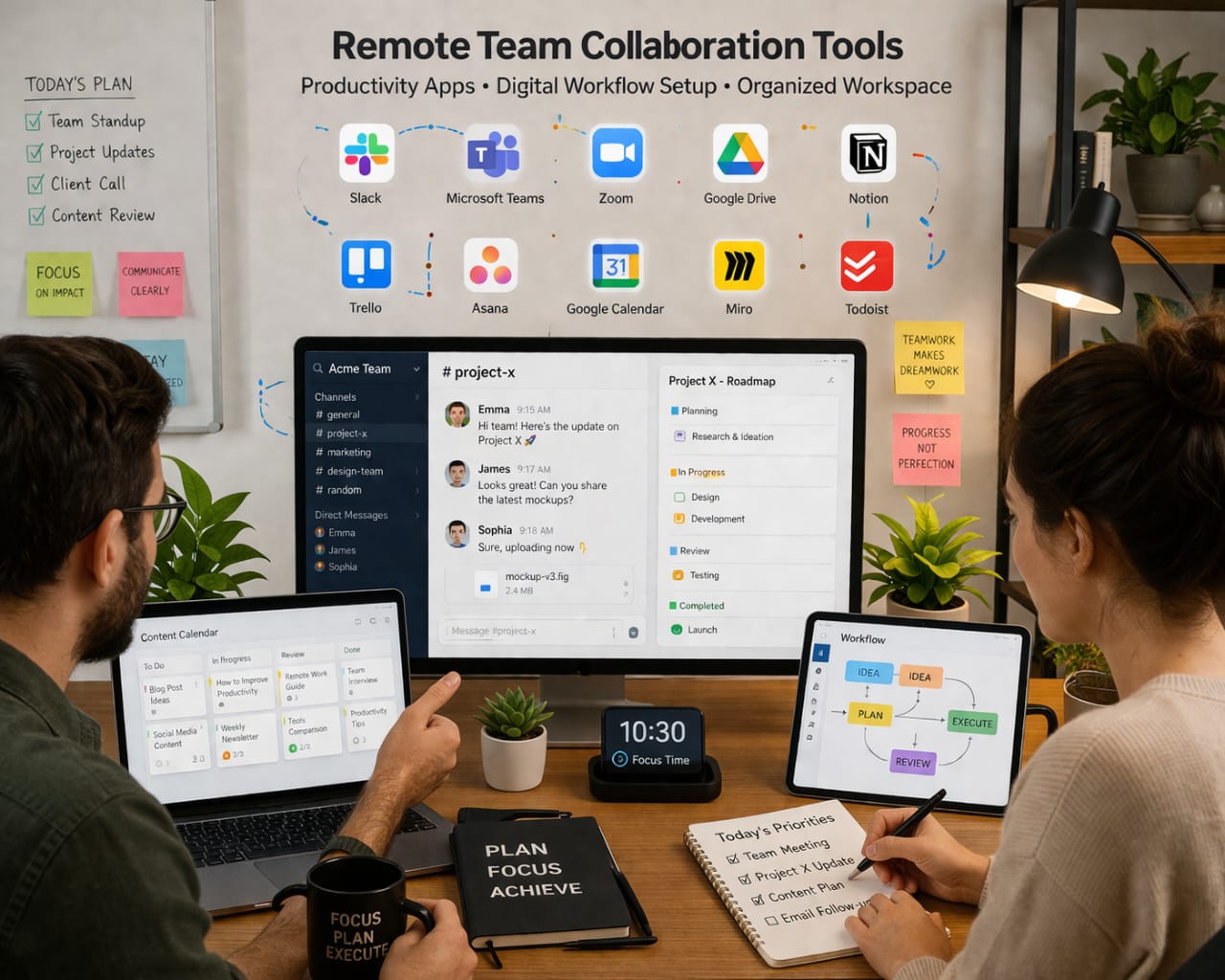
Slack, Microsoft Teams, and Zoom are designed to replace physical office communication, but their effectiveness depends on how they are used. Constant messaging can easily break focus, especially when conversations are unstructured and ongoing throughout the day.
High-performing remote teams avoid this by using structured communication instead of continuous interaction. Messages are clear, updates are organised, and real-time discussions are only used when necessary.
- Slack: Organised daily communication across channels
- Zoom: Used only for necessary real-time discussions
- Email: Best for formal communication and documentation
When communication is controlled and intentional, it supports productivity instead of interrupting it. This shift alone can significantly improve focus and output.
Project Management Tools
Project management tools are where work actually lives. Without them, remote teams lose visibility, direction, and accountability, which leads to confusion and delays.
Tools like Trello, Asana, and ClickUp create a structured system where tasks move clearly from planning to completion. Everyone knows what they are responsible for, and progress is visible at every stage.
- Trello: Simple visual boards for tracking tasks
- Asana: Structured workflows for team collaboration
- ClickUp: Advanced system combining tasks and automation
When used correctly, these tools eliminate the need for constant supervision because the system itself provides clarity and direction.
Documentation and Knowledge Tools
Documentation is one of the most underrated parts of remote work systems. Without it, teams repeat the same explanations, which slows progress and increases dependency on constant communication.
Tools like Notion, Google Docs, and Confluence create a central place where processes, guides, and information are stored. This allows team members to find answers independently without interrupting others.
Over time, this builds a knowledge base that improves efficiency, speeds up onboarding, and makes the entire workflow more scalable.
Advanced Productivity Systems That Drive Real Output
Tools alone do not create productivity. Systems are what determine how effective your workflow becomes. The way you structure your time directly impacts how much you can achieve in a remote environment.
Remote professionals who consistently perform at a high level rely on clear productivity systems that reduce distractions, improve focus, and ensure steady execution.
Time Blocking System
This method divides your day into dedicated work periods, with each block assigned a specific task. Instead of constantly deciding what to do next, you follow a pre-defined structure that keeps you focused.
This reduces wasted time and helps you maintain consistency throughout your workday.
Deep Work Method
Deep work focuses on uninterrupted concentration. By removing distractions and focusing on one task at a time, you improve both the speed and quality of your output.
This approach is especially effective in remote work, where distractions can easily reduce productivity.
Task Batching
Task batching involves grouping similar tasks together, such as emails or meetings. This reduces mental switching and helps you complete tasks more efficiently.
Over time, this simple adjustment can save hours of wasted effort each week.
If you want to understand how these systems connect to real income opportunities, this guide explains it clearly: best tech certifications for remote jobs UK.
Remote Work Setup That Supports Long-Term Productivity
Your environment plays a major role in how productive you are. Even with the best tools, a poor setup can reduce focus, slow down your work, and make tasks feel more difficult than they should be.
A strong setup is not about luxury—it is about removing distractions and creating a space that supports consistent performance.
- Ergonomic setup: Reduces fatigue during long work sessions
- Stable internet: Keeps your workflow uninterrupted
- Quiet environment: Improves focus and concentration
- Dual screens: Makes multitasking easier
For professionals working across locations, flexibility becomes important. Using reliable travel support for remote professionals helps maintain consistency when working in different environments.
Maintaining balance is equally important. Exploring your surroundings and taking breaks can improve creativity and prevent burnout.
Platforms like activity and experience platforms for remote workers make it easier to balance productivity with lifestyle.
Common Mistakes That Reduce Remote Productivity
Many remote workers struggle because of avoidable mistakes that seem small at first but compound over time. These issues often reduce efficiency without being immediately noticeable.
- Using too many tools: Creates confusion instead of clarity
- No workflow structure: Leads to inconsistent output
- Too many meetings: Reduces time for actual work
- No documentation: Causes repeated interruptions
A simple, well-structured system will always outperform a complex and unorganised one. Clarity is what drives productivity in remote environments.
How Remote Work Systems Scale Your Productivity
The biggest advantage of structured systems is scalability. As your workflow improves, you can handle more work without increasing stress or complexity.
Instead of reacting to tasks, you follow a system that guides your actions. This reduces decision fatigue and allows you to focus on execution.
Over time, this leads to consistent output, better performance, and the ability to take on more responsibility without feeling overwhelmed.
Frequently Asked Questions
What are remote work tools?
They are digital platforms used for communication, task management, and collaboration in remote environments.
What is a productivity system?
A structured workflow that helps organise tasks and maintain consistent output.
Which tools are essential?
Slack, Zoom, Trello, Asana, Notion, and Google Workspace are widely used.
Do I need many tools?
No. A few well-structured tools are more effective than many scattered ones.
How do I improve productivity?
Focus on systems, reduce distractions, and follow a clear workflow.
Conclusion
Remote work tools and productivity systems are not just about software—they are about structure. When tools are used within a clear system, productivity becomes consistent instead of unpredictable.
The real advantage comes from clarity. Once your workflow is defined, tasks become easier to manage, communication becomes simpler, and results improve over time.
This is what transforms remote work from something uncertain into a reliable and scalable way to work and grow.