
Europemigrationguide.com is reader-supported. When you buy through links on our site, we may earn an affiliate commission.
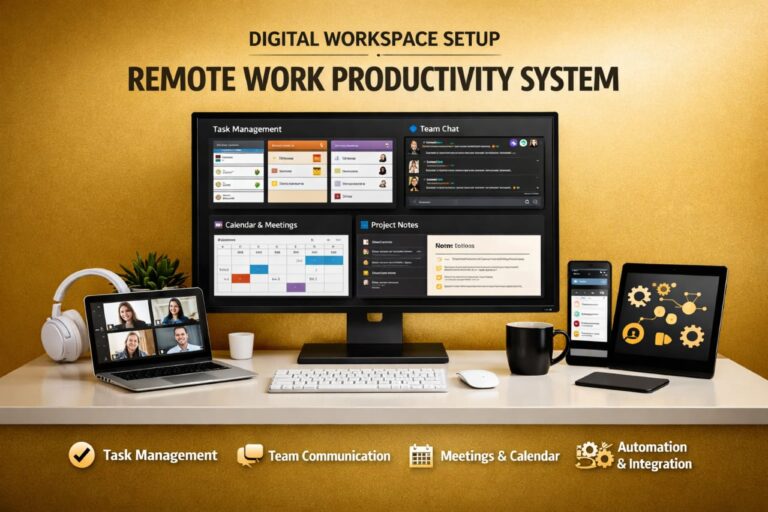
Best remote work tools for beginners are the foundation of how new remote workers stay organised, communicate clearly, and complete tasks efficiently without feeling overwhelmed. Instead of relying on guesswork or switching between random apps, these tools create a structured system that makes remote work easier to manage from the very beginning.
Quick Answer: The best remote work tools for beginners include Slack for communication, Trello or Asana for task management, Notion for documentation, Zoom for meetings, and Google Drive for file storage. When combined properly, these tools form a simple but powerful productivity system that supports consistent work without confusion.
If you’re new to remote work and want simple tools that actually help you stay organised and productive, this guide breaks down exactly what to use and how to use it.
Starting remote work without the right tools often leads to frustration. Many beginners download multiple apps hoping to become productive, but instead they end up overwhelmed. Notifications become distracting, tasks get scattered, and communication feels unstructured. The problem is not the tools themselves—it is the lack of a system behind how those tools are used.
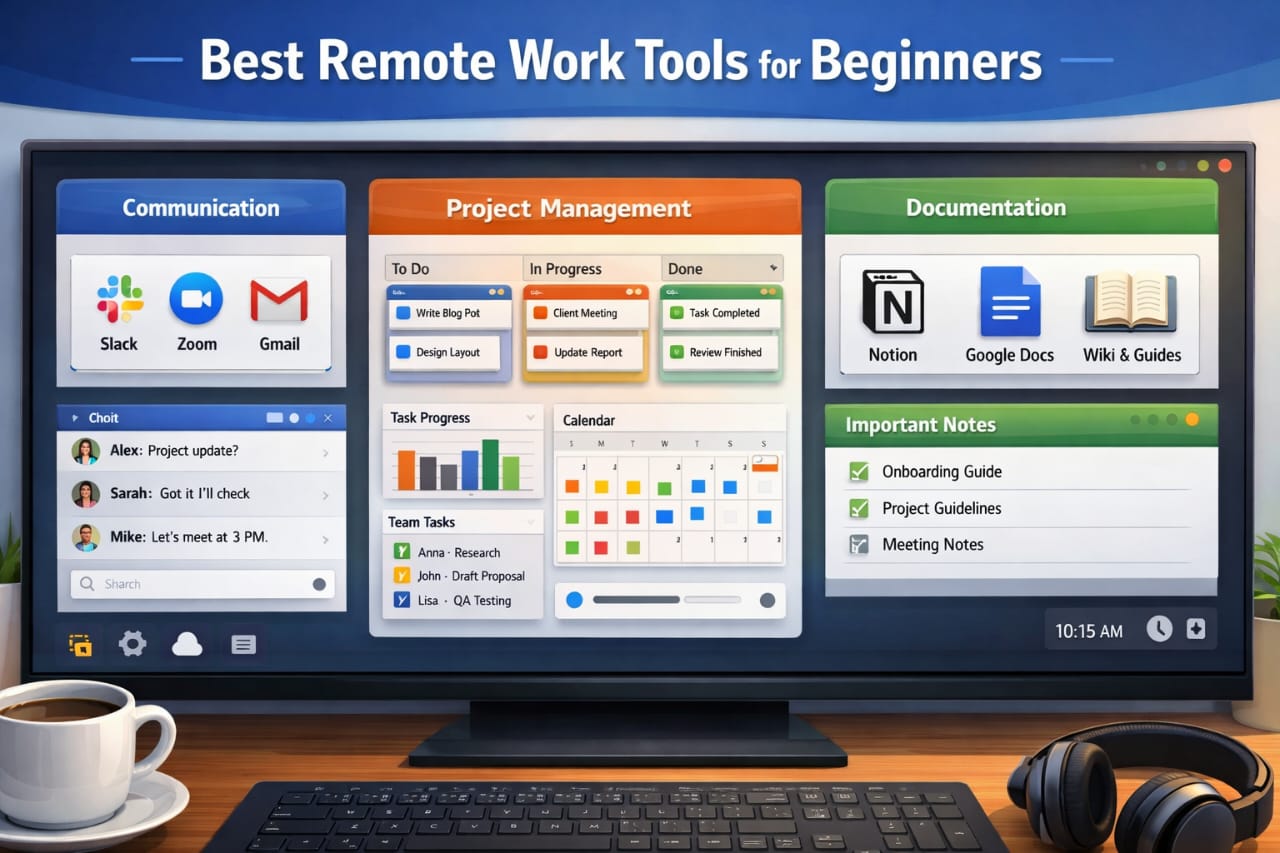
Remote work becomes significantly easier when you stop thinking in terms of individual apps and start thinking in systems. Every effective remote setup is built around four core areas: communication, task management, documentation, and execution. Once these areas are clearly defined and supported by the right tools, your workflow becomes more organised and predictable.
From experience, the biggest shift happens when you realise that you don’t need many tools to be productive. What you actually need is clarity. When each tool has a defined role, you eliminate confusion, reduce wasted effort, and improve how work flows from start to finish. This is what turns remote work from something stressful into something structured and manageable.
If you want to understand how these tools connect into a complete workflow, this guide explains the system clearly: remote work tools and productivity systems.
Why Beginners Need the Right Remote Work Tools
Remote work removes the natural structure of a physical office. There is no manager physically checking progress, no fixed environment, and no automatic workflow. This means everything—from communication to task tracking—depends entirely on the systems you put in place.
Without the right tools, work quickly becomes disorganised. Tasks are forgotten, messages get lost, and progress becomes difficult to measure. Over time, this leads to inconsistency, missed deadlines, and reduced productivity.
The purpose of using remote work tools is not just convenience. It is to recreate structure in a digital environment. These tools replace the systems that an office normally provides, allowing you to manage work independently while still maintaining clarity and organisation.
Beginners who adopt the right tools early often adapt faster because their workflow is already structured. Instead of reacting to work randomly, they follow a system that guides their daily actions and decisions.
Core Categories of Remote Work Tools
Every effective remote work setup is built around a few essential categories. Understanding these categories helps you choose tools based on function rather than popularity, which leads to better long-term results.
Communication Tools
Communication tools replace face-to-face interaction and keep teams connected. However, effective communication in remote work is not about constant messaging—it is about clarity and structure.
Slack is widely used because it organises conversations into channels, making it easier to follow discussions without losing important information. Instead of scattered messages, everything stays structured and searchable.
Zoom is used for meetings when real-time interaction is necessary, but high-performing remote teams avoid excessive meetings to protect focus and productivity.
Email remains essential for formal communication, especially when documentation and clarity are required over time.
Task Management Tools
Task management tools are where work is planned, assigned, and tracked. Without them, remote work quickly becomes chaotic because there is no clear visibility of what needs to be done.
Trello is ideal for beginners because it uses a simple visual board system. You can easily see tasks moving from “to-do” to “in progress” to “completed,” which makes progress visible and easy to manage.
Asana provides a more structured system for handling multiple projects and deadlines, making it suitable for those who want more control over workflow and task organisation.
These tools eliminate confusion by clearly showing responsibilities, deadlines, and progress without the need for constant supervision.
Documentation Tools
Documentation is one of the most overlooked parts of remote work, yet it has a major impact on productivity. Without documentation, teams repeat the same explanations, which wastes time and slows down progress.
Notion is widely used because it combines notes, databases, and workflow organisation into one platform. It allows you to store processes, instructions, and project details in a structured way.
Google Docs also plays a key role by enabling real-time collaboration, allowing multiple people to work on the same document without delays.
Over time, proper documentation reduces dependency on constant communication and allows work to move forward more efficiently.
Storage and Collaboration Tools
Remote work depends heavily on file sharing and collaboration. Without a reliable storage system, managing documents becomes difficult and disorganised.
Google Drive is one of the most widely used tools because it allows teams to store files, share access, and collaborate in real time. Everyone works from the same version, which reduces errors and improves efficiency.
Having a central place for files also makes it easier to organise information and retrieve it when needed, which is essential for long-term productivity.
How to Choose the Right Tools as a Beginner
Choosing the right tools is not about following trends or downloading everything you see online. It is about selecting tools that match your workflow and are easy to use consistently.
Beginners should always prioritise simplicity. Tools that are easy to understand will always perform better than complex platforms with features you do not need yet.
It is also important to avoid using too many tools at once. Each additional tool increases complexity and makes your workflow harder to manage. This is one of the most common mistakes beginners make.
A better approach is to start with one tool per category, master how it works, and only expand when necessary. This keeps your workflow clean and prevents unnecessary confusion.
Free vs Paid Remote Work Tools: What Actually Matters
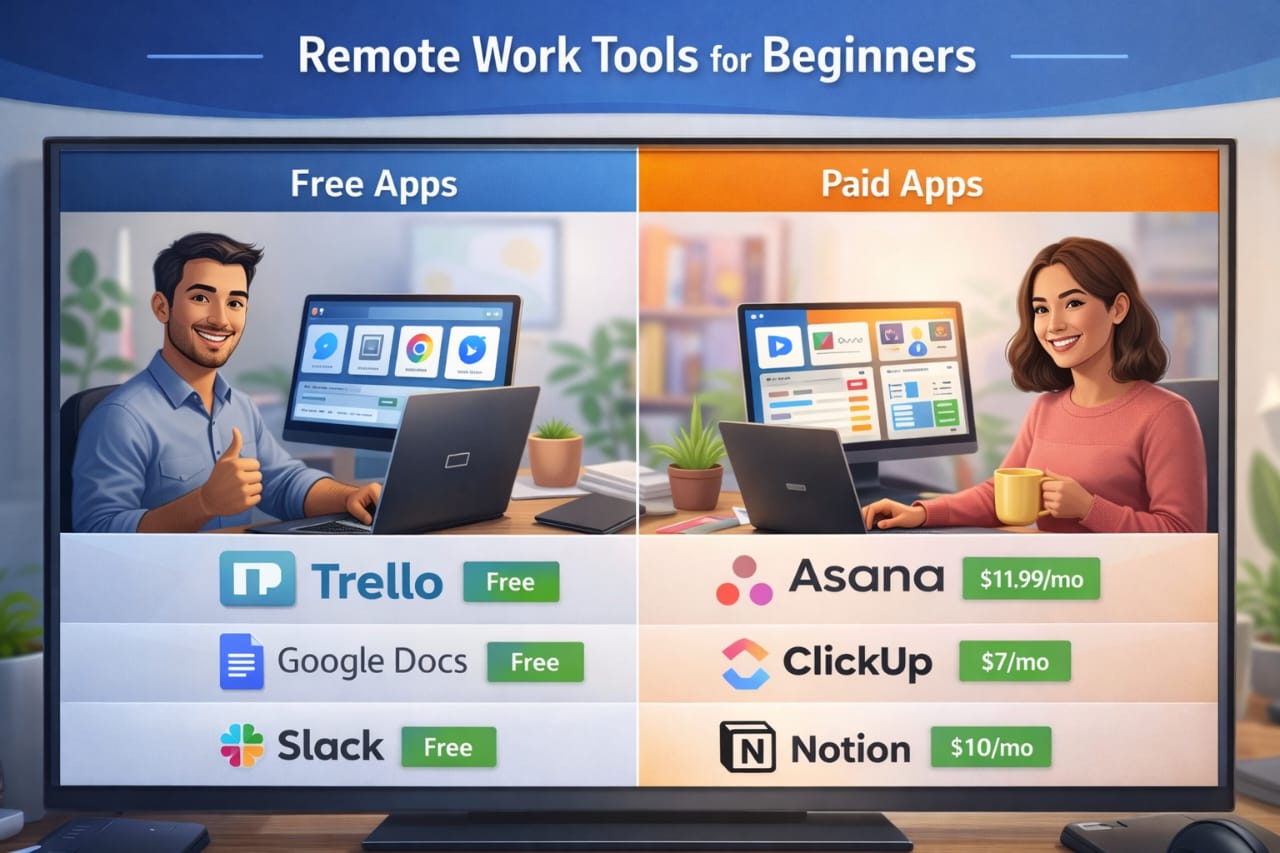
Most remote work tools offer both free and paid versions, which makes it easier for beginners to start without financial pressure. Free plans usually provide enough features for individuals or small teams to manage tasks, communicate, and collaborate effectively.
However, as your work becomes more advanced, you may need additional features such as automation, integrations, and increased storage. This is where paid plans become valuable—not because they are necessary from the start, but because they support growth.
The key is to avoid upgrading too early. Focus on learning how to use the tools properly first. Once you reach the limitations of a free plan, upgrading becomes a logical decision rather than an unnecessary expense.
Building a Simple Remote Work System That Actually Works
The real power of remote work tools comes from how they are combined into a system. When used correctly, they create a workflow that runs smoothly without constant effort or confusion.
A simple and effective system might look like this: Slack for communication, Trello for task tracking, Notion for documentation, Zoom for meetings, and Google Drive for file storage. Each tool has a clear purpose, which makes the workflow easy to follow.
Instead of switching randomly between apps, you follow a structured process where every action has a place. This reduces decision fatigue and improves consistency over time.
Many remote professionals who work across different locations also rely on reliable global internet access for remote work tools to ensure they stay connected to all platforms without interruptions, especially when working outside a fixed environment.
Over time, this structured approach transforms how you work. Tasks become easier to manage, communication becomes clearer, and productivity becomes consistent instead of unpredictable.
Essential Remote Work Tools Comparison (2026)
Understanding the best remote work tools for beginners becomes easier when you see how they compare in real scenarios. Instead of guessing, a structured comparison helps you choose tools based on purpose, ease of use, and scalability as a beginner.
The goal is not to use every tool listed here. It is to understand what each category does and pick one tool that fits your workflow. Simplicity will always outperform complexity, especially when you are just starting out.
Category |
Top Tool |
Best For |
Free Option |
|---|---|---|---|
Communication |
Slack |
Real-time team messaging |
Yes (Limited) |
Video Meetings |
Zoom |
Reliable video calls |
Yes (40-min limit) |
All-in-One Workspace |
Notion |
Docs, notes & organisation |
Yes |
Task Management |
Trello |
Simple visual workflow |
Yes |
Project Planning |
Asana |
Structured workflows |
Yes |
Time Tracking |
Clockify |
Tracking billable hours |
Yes |
Cloud Storage |
Google Drive |
File sharing & collaboration |
Yes (15GB) |
Looking at this, one thing becomes clear—you don’t need multiple tools per category. One reliable tool is enough to create a stable and efficient workflow.
Once you understand this, you avoid one of the biggest beginner mistakes—tool overload—which often leads to confusion and reduced productivity.
Top Productivity Apps That Improve Remote Work Efficiency
Beyond the core tools, there are additional productivity apps that help automate tasks, reduce manual work, and improve how efficiently you operate on a daily basis.
These tools are not mandatory at the beginning, but they become valuable as your workload increases and your workflow becomes more structured.
- Loom: Allows you to record quick videos instead of scheduling meetings, which saves time and improves communication clarity.
- Calendly: Eliminates back-and-forth scheduling by letting others book meetings based on your availability.
- Zapier: Automates repetitive tasks by connecting different tools, reducing manual effort and saving time.
- RescueTime: Tracks your digital habits and helps you identify distractions, improving focus over time.
- Krisp: Removes background noise during calls, improving audio quality and professionalism.
These tools improve efficiency by reducing friction in your workflow. Instead of doing everything manually, you create systems that handle repetitive tasks automatically.
This is where remote work starts to feel easier. You spend less time managing work and more time actually completing it.
Beginner Remote Work Setup Checklist
Having the right tools is important, but your setup also plays a major role in how productive you are. A poor setup can reduce focus, increase fatigue, and make even simple tasks feel difficult.
A structured setup ensures that your tools work effectively and your environment supports consistent productivity.
- Workspace: A clean and distraction-free area dedicated to work
- Chair & Desk: Comfortable and ergonomic to support long sessions
- Internet: Stable and fast connection for uninterrupted workflow
- Audio Setup: Headset or microphone for clear communication
- Lighting: Proper lighting to reduce eye strain and improve focus
For remote workers who are not always in one location, maintaining this setup becomes more challenging. That is why many professionals rely on flexible remote work travel support tools to stay consistent while working across different environments.
Maintaining a balance between productivity and lifestyle is equally important. Exploring your surroundings and taking breaks can improve creativity and prevent burnout.
Platforms like global experiences for remote workers make it easier to maintain that balance while working remotely.
Long-Tail Keywords Beginners Should Target
One of the smartest ways to grow quickly as a beginner is by targeting long-tail keywords. These are more specific search phrases that have lower competition but higher chances of ranking.
Instead of targeting broad terms like “remote work tools,” you focus on more specific queries that match real user intent.
- best free remote work tools for beginners
- remote work tools for small teams and freelancers
- free vs paid remote work productivity apps comparison
- how to set up remote work tools for beginners
These keywords reflect what people are actually searching for, which increases your chances of ranking and attracting the right audience.
Over time, combining these keywords with strong content structure helps your posts perform better in search results.
Common Mistakes Beginners Make With Remote Work Tools
Even with the right tools, beginners often struggle because of how they use them. These mistakes are common but can slow down progress significantly.
- Using too many tools: Creates confusion instead of clarity
- No defined workflow: Leads to disorganisation
- Over-reliance on meetings: Reduces productivity
- Ignoring documentation: Causes repeated interruptions
The solution is simple—focus on structure. A small number of well-organised tools will always perform better than a large number of scattered tools.
Once your workflow is clear, productivity becomes consistent and easier to maintain over time.
Frequently Asked Questions
What are the best remote work tools for beginners?
The best remote work tools for beginners include Slack for communication, Trello or Asana for task management, Notion for documentation, Zoom for meetings, and Google Drive for file storage. These tools create a complete system that supports productivity without complexity.
Do I need paid tools to start remote work?
No, most beginners can start with free plans. Paid tools become useful only when you need advanced features such as automation, integrations, or additional storage.
How many tools should a beginner use?
A beginner should use one tool per category—communication, task management, documentation, and storage. Using too many tools at once often leads to confusion.
What is the most important remote work tool?
Task management tools are often the most important because they organise work, track progress, and provide structure to your workflow.
How do I stay productive with remote work tools?
Focus on building a structured workflow, minimise distractions, and use tools consistently instead of switching between multiple platforms.
Conclusion
Best remote work tools for beginners are not about having access to many platforms—they are about using the right tools within a clear system. When tools are structured correctly, remote work becomes easier, more organised, and far more productive.
The key is simplicity. Choose the right tools, assign them clear roles, and build a workflow that supports execution. Over time, this structure turns into consistency, and consistency is what drives real results.
Once you understand this, remote work stops feeling overwhelming and becomes a reliable way to work, grow, and scale your productivity.