
Europemigrationguide.com is reader-supported. When you buy through links on our site, we may earn an affiliate commission.
Free vs paid remote work tools is one of the most important decisions beginners face when starting remote work. It is not just about choosing software—it is about deciding how your entire workflow will function. The wrong choice can slow you down, create unnecessary frustration, or lead to spending money on tools you do not actually need.
Quick Answer: Free remote work tools are enough for beginners handling simple tasks, individual work, or small projects. Paid tools become valuable when your workload increases and you need automation, integrations, better collaboration, and fewer limitations.
If you’re unsure whether to start with free tools or invest in paid ones, this guide shows exactly when each option makes sense and how to use them effectively.
At the beginning, most people assume paid tools automatically lead to better productivity. That assumption is what leads many beginners to overspend early without seeing real improvement. Productivity does not come from tools—it comes from structure.
A free tool used within a clear system will always outperform a paid tool used without direction. What matters is not how advanced the tool is, but how well it fits into your workflow and how consistently you use it.
The real difference between free and paid tools is control. Free tools give you access to basic functionality, which is enough to get started. Paid tools, on the other hand, remove restrictions and allow you to operate with more flexibility, speed, and efficiency.
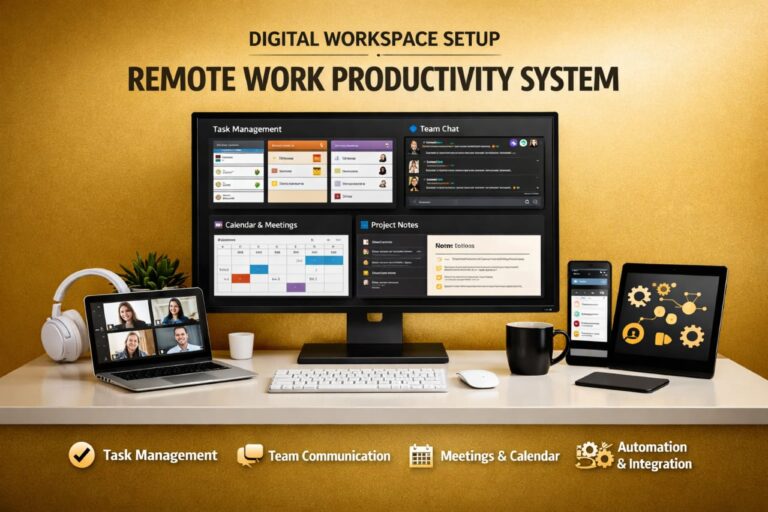
If you want to understand how these tools connect into a complete system instead of working in isolation, this guide explains it clearly: remote work tools and productivity systems.
From experience, beginners struggle not because they lack tools, but because they lack structure. Once your workflow becomes organised, even simple tools become powerful. Without structure, even the most advanced tools will feel limiting.
What Free Remote Work Tools Actually Offer
Free remote work tools are designed to lower the barrier to entry. They allow you to start working, learning, and building without any upfront cost. This is what makes them ideal for beginners who are still figuring out how remote work operates.
At this stage, your goal is not to optimise everything—it is to understand how work flows. Free tools provide enough functionality to help you manage tasks, communicate, and stay organised while learning the basics.
For individuals and small teams, these tools can handle a surprising amount of work. Many freelancers and beginners operate entirely on free plans for months before ever needing to upgrade.
Core Features You Get for Free
Most free plans are built to give you access to essential features while limiting advanced capabilities. This creates a balance between usability and restriction.
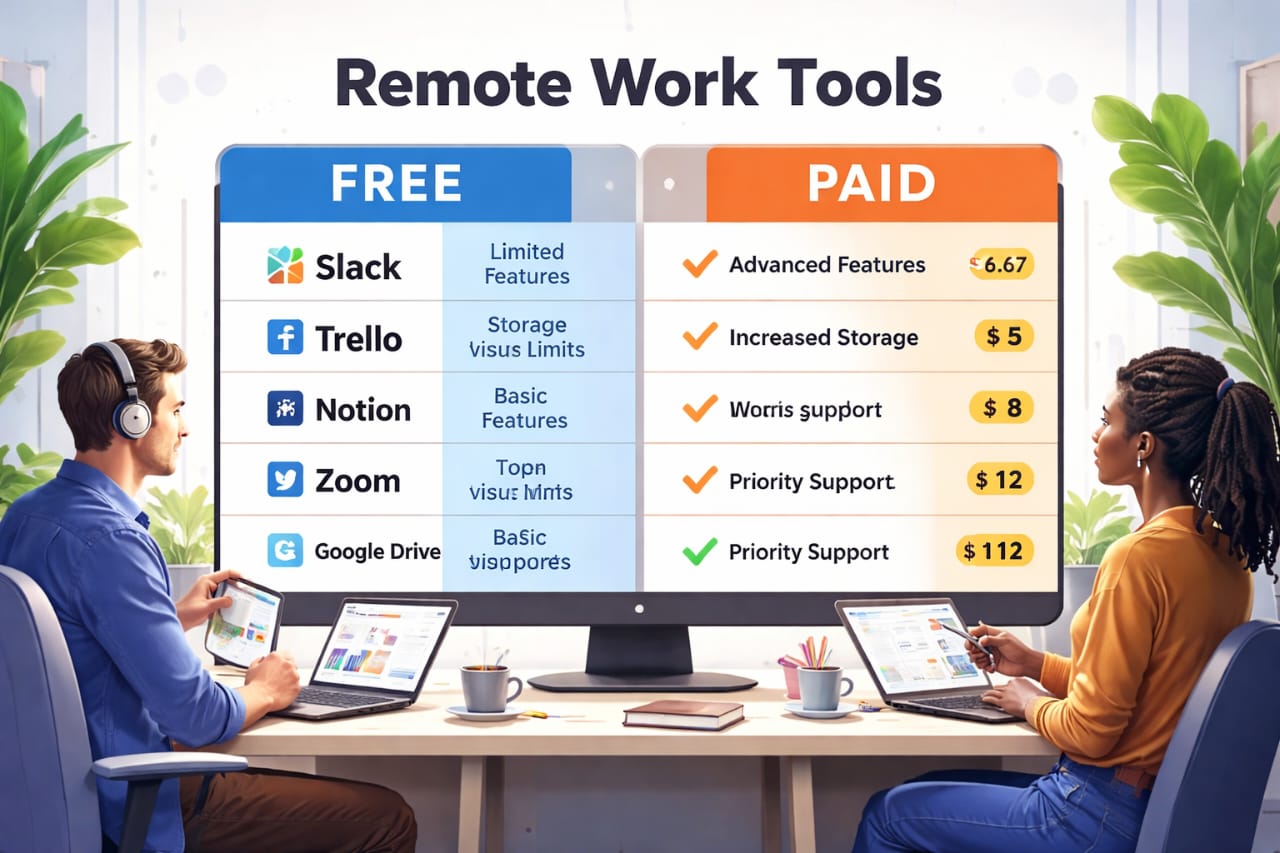
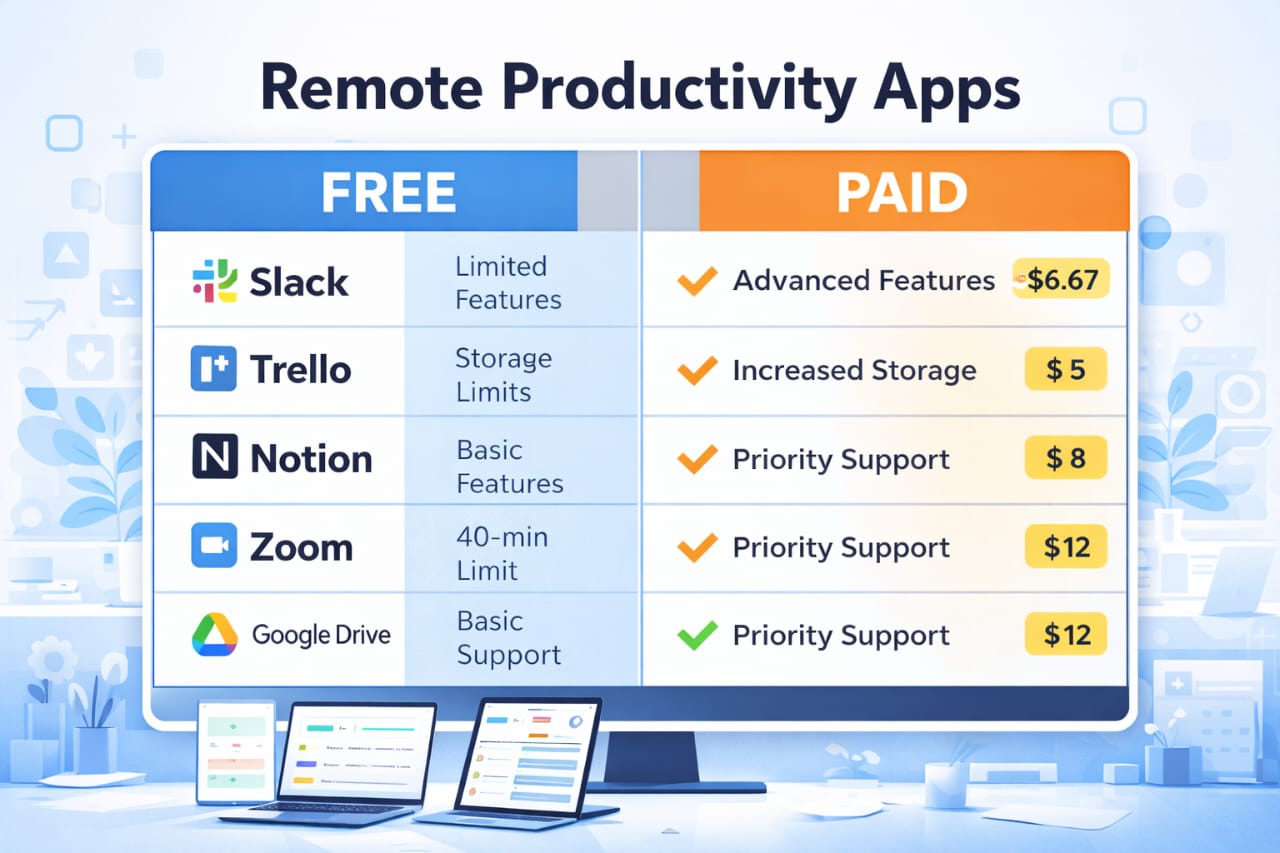
- Communication: Slack allows messaging and channels but limits message history over time
- Meetings: Zoom supports video calls but restricts meeting duration on free plans
- Task Management: Trello provides visual boards for organising tasks and tracking progress
- Documentation: Notion allows note-taking and basic organisation for workflows
- Storage: Google Drive offers free storage with limits on capacity
These features are more than enough to build a simple workflow. You can plan tasks, communicate clearly, and organise your work without spending anything.
This is why free tools are powerful at the beginning—they allow you to focus on learning and building systems instead of worrying about cost.
The Hidden Limitations of Free Tools
The limitations of free tools are not always obvious at first. Everything works smoothly when your workload is small. However, as your work becomes more complex, these limitations start to affect how efficiently you operate.
For example, losing access to older messages in Slack can make it difficult to track decisions or revisit conversations. Zoom time limits can interrupt meetings and break workflow continuity. Storage restrictions can slow down collaboration when files become larger or more frequent.
These issues are not major on their own, but they compound over time. Small delays, repeated actions, and missing information gradually reduce your efficiency.
This is usually the point where free tools begin to feel restrictive. Not because they are bad, but because your workflow has outgrown them.
What Paid Remote Work Tools Actually Change
Paid tools are designed to remove these limitations and create a smoother workflow. They do not just add features—they reduce friction.
The biggest difference is not access, but efficiency. Paid tools allow you to complete tasks faster, manage more work, and reduce manual effort.
Instead of adjusting your workflow to fit the tool, the tool adapts to your workflow.
Key Advantages That Come With Paid Tools
- Unlimited usage: No restrictions on storage, message history, or access
- Automation: Repetitive tasks can be handled automatically
- Integrations: Tools can connect and work together seamlessly
- Advanced collaboration: Better team coordination and role management
- Security and control: More options for managing data and permissions
These improvements may not seem necessary at the beginning, but they become critical as your workload grows. What once took minutes can take seconds when systems are properly optimised.
This is where paid tools begin to justify their cost—not because they are expensive, but because they save time and reduce effort.
When Free Tools Stop Being Enough
One of the most important things to understand is that free tools are not meant to scale indefinitely. They are designed to help you start, not to support long-term growth.
The transition from free to paid tools usually happens gradually. You start noticing small inefficiencies, repeated manual work, and limitations that slow down your progress.
Clear indicators that you are reaching this stage include:
- Your workload increases beyond what manual tracking can handle
- You begin repeating the same tasks frequently
- Your team grows and requires better coordination
- You rely on multiple tools that need to work together
- Limits on storage, meetings, or features start affecting output
At this point, upgrading is no longer about preference—it becomes necessary for maintaining efficiency.
If you are still building your foundation and need clarity on where to start, this guide explains the beginner setup clearly: best remote work tools for beginners.
The Real Decision: Cost vs Value
The choice between free and paid tools should never be based purely on cost. What matters is the value those tools provide in relation to your workflow.
Free tools offer the highest value at the beginning because they allow you to start without risk. Paid tools offer higher value later because they improve efficiency, save time, and support growth.
The key is recognising when that shift happens. Upgrading too early wastes money, while upgrading too late slows progress.
Another factor that becomes important as you grow is reliability. Remote work depends on consistent access to your tools and systems, especially when working across locations.
That is why many professionals rely on reliable global internet access for remote work to ensure uninterrupted access to their tools and workflows.
Once your system is stable and your workload increases, the decision becomes clear. Free tools help you start. Paid tools help you scale. Understanding this transition is what allows you to use both effectively without wasting time or money.
Free vs Paid Remote Work Tools: Feature Comparison That Actually Matters
Understanding free vs paid remote work tools becomes much clearer when you compare them side by side. Instead of looking at features individually, it is more useful to see how they affect your workflow in real situations.
The goal is not to choose the “best” tool, but to choose the version that supports your current stage without slowing you down or creating unnecessary costs.
Feature |
Free Tools |
Paid Tools |
|---|---|---|
Message History |
Limited (e.g. Slack restrictions) |
Unlimited access |
Meeting Duration |
Restricted (e.g. Zoom limits) |
No time limits |
Storage |
Limited capacity |
Expanded or unlimited storage |
Automation |
Not available or very limited |
Advanced workflows and automation |
Integrations |
Basic connections |
Full integrations across tools |
Team Collaboration |
Suitable for small teams |
Built for larger teams and scaling |
Security & Control |
Basic permissions |
Advanced control and security features |
This comparison highlights a key idea—free tools are built for simplicity, while paid tools are built for scale. Neither is better by default. The right choice depends on your workload and how your workflow is structured.
Once your work becomes more complex, the limitations of free tools start affecting how quickly and efficiently you can complete tasks.
How Paid Tools Increase Productivity in Real Workflows
The biggest advantage of paid tools is not just additional features—it is the reduction of friction. Tasks that previously required multiple steps can be automated, saving both time and mental effort.
For example, instead of manually updating tasks across different platforms, integrations allow tools to sync automatically. Instead of repeating the same actions daily, automation handles them in the background.
This shift changes how you work. You move from managing tasks manually to managing systems that handle tasks for you.
Over time, this leads to faster execution, fewer errors, and more consistent output.
This is also where remote work starts connecting directly to income potential. The more efficient your workflow becomes, the more work you can handle and the more value you can deliver.
These types of systems are commonly used in roles explained here: high income tech skills for remote jobs, where efficiency and output directly influence earning potential.
When Paying for Tools Becomes a Smart Investment
Paying for tools should never feel like an expense—it should feel like an upgrade that improves how you work. The difference lies in timing.
Many beginners upgrade too early, expecting tools to solve productivity problems. In reality, tools only improve an already structured workflow.
The right time to upgrade is when the limitations of free tools begin to slow you down consistently.
This usually happens when:
- Your daily tasks become repetitive and time-consuming
- You start managing multiple projects at once
- Your team requires better coordination and visibility
- You depend on multiple tools that need to work together
- Your workflow becomes difficult to manage manually
At this stage, paying for tools is no longer optional—it becomes a logical step to maintain efficiency and growth.
Free vs Paid Tools: Long-Term Strategy for Beginners
The most effective approach is not choosing one over the other, but knowing how to use both at the right time.
Free tools should be used to build your foundation. They allow you to understand workflows, develop consistency, and create structure without financial pressure.
Paid tools should be introduced gradually as your workload increases. Instead of upgrading everything at once, focus on upgrading the tool that is causing the most friction in your workflow.
This approach keeps your system simple while improving efficiency step by step.
Over time, your workflow evolves naturally from basic to advanced without unnecessary complexity.
Common Mistakes Beginners Make With Free and Paid Tools
Even with the right information, many beginners struggle because of how they approach tools. These mistakes are common and can slow down progress significantly.
- Upgrading too early: Paying for tools without a clear workflow
- Using too many tools: Creating confusion instead of clarity
- Ignoring systems: Relying on tools without structure
- Expecting tools to fix productivity: Tools support systems, they do not replace them
A simple, structured system with a few tools will always outperform a complex setup with too many tools.
Clarity and consistency are what drive productivity, not the number of tools you use.
Remote Work Flexibility and Real-World Considerations
As your workflow improves, remote work becomes more flexible. You are no longer tied to a fixed environment, which allows you to work from different locations while maintaining productivity.
However, this flexibility comes with new considerations. Stability, consistency, and adaptability become important factors in maintaining performance.
For professionals working across locations, having the right support systems matters. Many rely on flexible travel solutions for remote professionals to stay organised and protected while managing work in different environments.
Maintaining balance is also essential. Remote work can become overwhelming without proper breaks and environment changes.
Using platforms like activity and experience platforms for remote workers helps create that balance, allowing you to stay productive while still exploring new environments.
Frequently Asked Questions
Are free remote work tools enough for beginners?
Yes, free tools are more than enough for beginners handling small projects or individual work. They provide the basic features needed to organise tasks, communicate, and build a workflow.
When should I switch to paid tools?
You should upgrade when limitations such as storage, automation, or collaboration start affecting your efficiency and slowing down your workflow.
Do paid tools increase productivity?
Paid tools improve productivity by reducing manual work, enabling automation, and allowing better integration between systems. However, they are most effective when used within a structured workflow.
How many tools should I use?
It is better to use a small number of tools with clear roles rather than many tools without structure. Simplicity improves consistency and efficiency.
What is the biggest mistake beginners make?
The biggest mistake is relying on tools without building a system. Tools support productivity, but structure is what actually creates results.
Conclusion
Free vs paid remote work tools is not about choosing one over the other—it is about understanding when to use each effectively. Free tools help you start, while paid tools help you scale.
The key is timing. When you build a structured workflow first, you can use free tools efficiently. When your workload increases, paid tools remove limitations and improve performance.
Once you understand this balance, your workflow becomes more efficient, your productivity improves, and remote work becomes easier to manage long-term.